
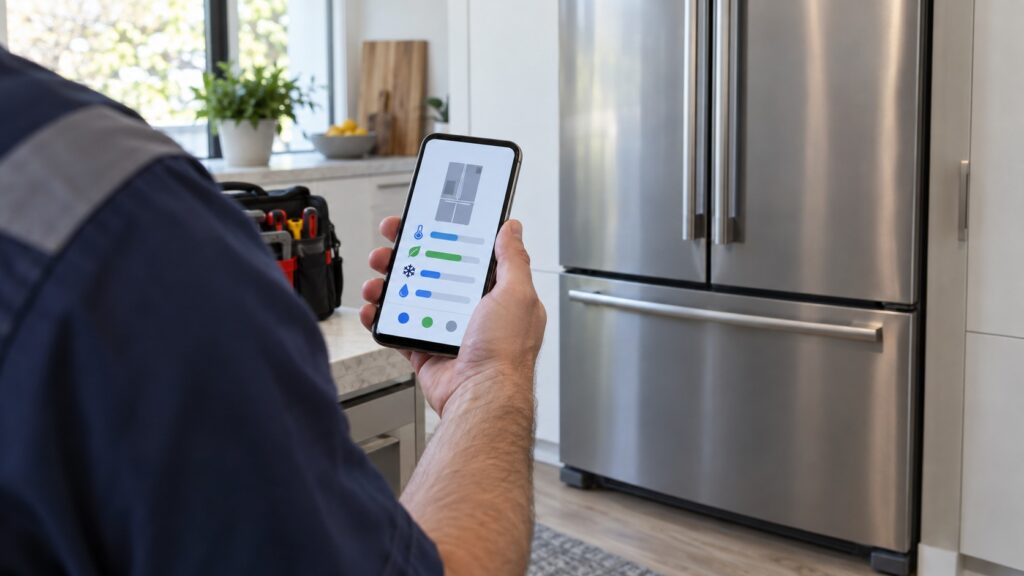
Liebherr SmartDevice alerts are the part of a connected appliance that actually earns its keep. The app can show you a temperature graph and let you change a setting from the sofa, which is pleasant; what matters is that it can tell you a door is open or a compartment is warming while you are out, which is the difference between an inconvenience and a freezer full of spoiled food. These tips cover how to set the alerts up so they are useful, and how to read them honestly.
Set up the three that matter
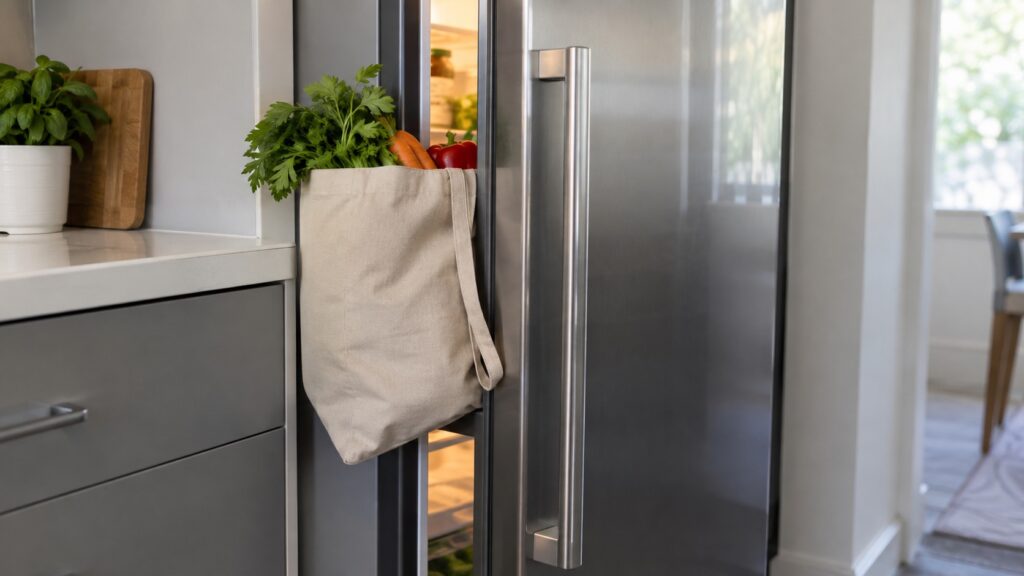
Door open. The single most useful alert in a household with children, or in any kitchen where a drawer can be left proud of its seal. It is also the alert that catches the slow disasters: a bag of vegetables holding a door a quarter inch open all afternoon.
Temperature deviation. Tell it a range you actually care about rather than a tight band. An alert at every defrost cycle teaches you to ignore alerts; an alert when the compartment has been warm for a sustained period tells you something real.
Power interruption. The one that matters most when you are away. Knowing that the power was out for six hours on Tuesday changes what you do with the contents on Thursday, and it is information you cannot recover any other way.
Get the network right once
Connected appliances fail at the network far more often than at the appliance. Put the router or a mesh node within honest range of the kitchen, remember that a large steel cabinet is itself an obstacle, and keep the appliance on a network name that will not change. Our guide on setting up the connection covers the pairing steps.
If the connection drops repeatedly, deal with it rather than living with it. An appliance that is offline is not sending the alerts you set up, and the silence looks exactly like everything being fine.
Reading an alert without panicking
The pattern is what carries the information. A single deviation after the weekly shop is the appliance working; the same deviation every evening for a week is a story about airflow, a seal or a failing part — and it is the kind of story our guide on a fridge that is not cooling is written to follow.
One category of alert deserves a rule of its own: the one that arrives while you are away from home. Decide in advance what you would do about it, because an alert you cannot act on is only anxiety. For a household that travels, that usually means a neighbor with a key and a short instruction — move what matters to the chest freezer in the garage, or simply photograph the panel and send it. Ten minutes of planning turns a notification into something useful.
Use the history, not just the alarm
The most valuable thing the app holds is not the alert but the record behind it. When a technician asks how long the compartment has been warm, whether it recovers overnight, and whether it started after a power cut, the app answers all three — and those answers narrow the diagnosis before anyone opens the cabinet.
Take a screenshot of the temperature history when you book a visit. It is worth more than any description of the noise the appliance is making, and it costs nothing to send.
What connectivity does not replace
An app cannot tell you that the condenser is dusty, that a gasket has flattened at one corner or that the drain channel is blocked — the three things most likely to be behind a temperature alert. Connectivity reports the symptom; the routine in our guide on annual maintenance prevents it.
It is also not a substitute for an ordinary thermometer. Put an independent one on a middle shelf for a day when you first set the appliance up: it tells you whether the number the app is reporting matches what the food is experiencing, and that is worth knowing long before you ever have to act on an alert in a hurry.
Small settings that make alerts usable
Turn off the notifications you do not act on, so that the ones that matter still make you look up. Give the appliance a clear name in the app if there is more than one — “garage freezer” beats “appliance 2” at midnight. Make sure at least two people in the household get the alerts, because the person who is away is the one who most needs to know. And check once a season that alerts still arrive: a phone that has quietly revoked notification permission is the most common reason an alert never came.
One more setting worth reviewing once: which phone gets the alerts when the household changes. People replace phones, children move out, a partner reinstalls an app — and the alert that everyone assumes is being watched turns out to be arriving on a device in a drawer. Check the recipient list each time something changes, and test it once by opening a door long enough to trigger the alarm.
When to call
Call when a temperature alert is sustained rather than brief, when door alerts repeat with the door plainly shut, when the appliance reports a fault indicator on its panel, or when the history shows a compartment that no longer recovers overnight. Those are appliance questions, not app questions.
We are an independent repair company and not a factory service arm. Pricing starts from a diagnostic visit, and we confirm the estimate before any work begins. Liebherr refrigerator repair covers sensors, fans, defrost systems, door hardware and controls, and you can schedule a visit online.